
Tinker Thoughts Blog
Welcome to the Tinker Thoughts Blog — hands-on projects, practical tutorials, and insightful tips in the maker and electronics space. We dive into a wide range of topics including Internet of Things (IoT), electronics troubleshooting, home automation, rapid prototyping, and RF communication. You’ll also find detailed guides on 3D printing custom enclosures and PCB mounts, as well as experiments in electrical circuits, embedded systems, and other DIY innovations. Whether you're a hobbyist, engineer, or curious tinkerer, you'll find inspiration and technical depth here.

TTB #25: Giving Life to an OLD Digit Display
If you tinker with electronics long enough, you eventually build a stash of random spare parts. In this post, I dig into components from my 25 year old collection and revive a single digit seven segment display that has not seen power in decades. After mapping each segment to GPIO pins on the Nano Flip, I programmed two simple display modes: a rotating chase pattern along the outer segments and a repeating counter from zero to nine. It is a fun reminder that even old salvaged parts can still shine with a little curiosity and a few lines of code.
TTB #25: Giving Life to an OLD Digit Display
If you tinker with electronics long enough, you eventually build a stash of random spare parts. In this post, I dig into components from my 25 year old collection and revive a single digit seven segment display that has not seen power in decades. After mapping each segment to GPIO pins on the Nano Flip, I programmed two simple display modes: a rotating chase pattern along the outer segments and a repeating counter from zero to nine. It is a fun reminder that even old salvaged parts can still shine with a little curiosity and a few lines of code.

TTB #24: Reversing the Polarity on LiPo Battery JST Connectors
The 2-Pin JST-PH 2.0 connector is found on many LiPo batteries used in hobby drones, RC cars and toys, and of course electrical boards and modules. These are handy little connectors, but there is one problem - the polarity convention. About half of the vendors connect the negative (black wire) on the left and the positive (red wire) on the right sides. The other half does it the other way around. This can be an issue if the board or electronics you want to plug the LiPo battery into has the reversed polarity convention. Plugging in the LiPo terminals backwards...
TTB #24: Reversing the Polarity on LiPo Battery JST Connectors
The 2-Pin JST-PH 2.0 connector is found on many LiPo batteries used in hobby drones, RC cars and toys, and of course electrical boards and modules. These are handy little connectors, but there is one problem - the polarity convention. About half of the vendors connect the negative (black wire) on the left and the positive (red wire) on the right sides. The other half does it the other way around. This can be an issue if the board or electronics you want to plug the LiPo battery into has the reversed polarity convention. Plugging in the LiPo terminals backwards...
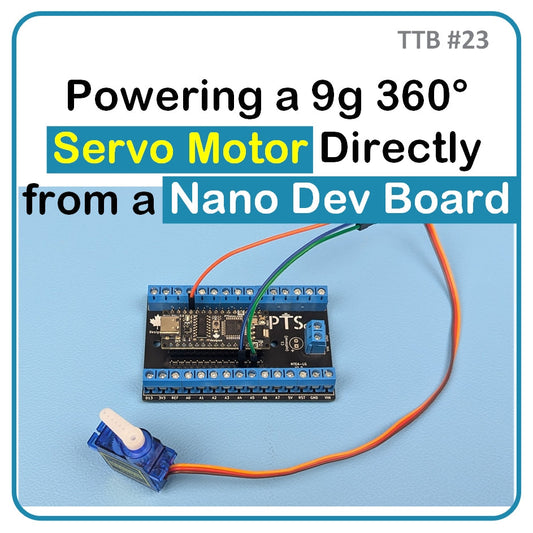
TTB #23: Powering a 9g 360° Servo Motor Directly from a Nano Dev Board
This tutorial investigates whether a 9g 360° servo motor can be powered directly from the Nano Dev Board without external supply. Using detailed current and voltage measurements under start-up, steady-state, and stall conditions, the results show the Nano Flip’s onboard regulator and USB-C path can safely handle the current draw without voltage sag below 4.96 V. Both USB-C and Vin configurations were tested with consistent stability. While this approach is suitable for short tests and educational use, long-term or production designs should still employ a dedicated power supply for servos to ensure reliability and isolation from the microcontroller rail.
TTB #23: Powering a 9g 360° Servo Motor Directly from a Nano Dev Board
This tutorial investigates whether a 9g 360° servo motor can be powered directly from the Nano Dev Board without external supply. Using detailed current and voltage measurements under start-up, steady-state, and stall conditions, the results show the Nano Flip’s onboard regulator and USB-C path can safely handle the current draw without voltage sag below 4.96 V. Both USB-C and Vin configurations were tested with consistent stability. While this approach is suitable for short tests and educational use, long-term or production designs should still employ a dedicated power supply for servos to ensure reliability and isolation from the microcontroller rail.
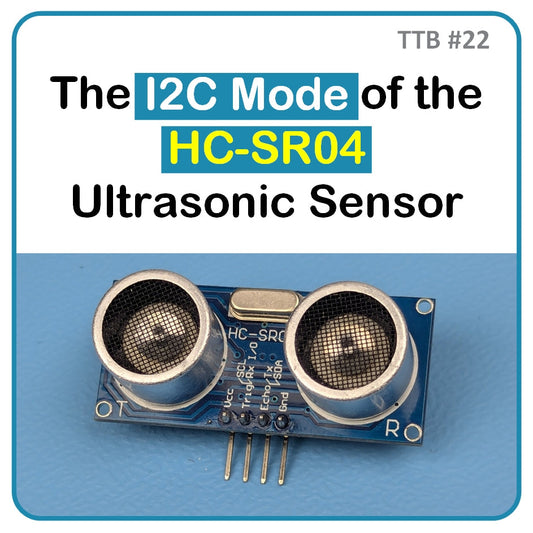
TTB #22: The I2C Mode of the HC-SR04 Ultrasonic Sensor
The HC-SR04 (2021 version) ultrasonic sensor upgrades the classic HC-SR04 by integrating an RCWL-9200 controller, enabling four communication modes: GPIO, I²C, 1-Wire, and UART. This tutorial focuses on the I²C mode, which is enabled by bridging the M1 jumper and leaving M2 open. In this mode, the module communicates over SDA and SCL lines at address 0x57, requiring only two pins on the microcontroller. It delivers precise distance readings from about 2 cm up to 4–5 meters. We cover mode selection, wiring, and a working Arduino sketch to read centimeter values directly from the sensor via the I²C bus.
TTB #22: The I2C Mode of the HC-SR04 Ultrasonic Sensor
The HC-SR04 (2021 version) ultrasonic sensor upgrades the classic HC-SR04 by integrating an RCWL-9200 controller, enabling four communication modes: GPIO, I²C, 1-Wire, and UART. This tutorial focuses on the I²C mode, which is enabled by bridging the M1 jumper and leaving M2 open. In this mode, the module communicates over SDA and SCL lines at address 0x57, requiring only two pins on the microcontroller. It delivers precise distance readings from about 2 cm up to 4–5 meters. We cover mode selection, wiring, and a working Arduino sketch to read centimeter values directly from the sensor via the I²C bus.
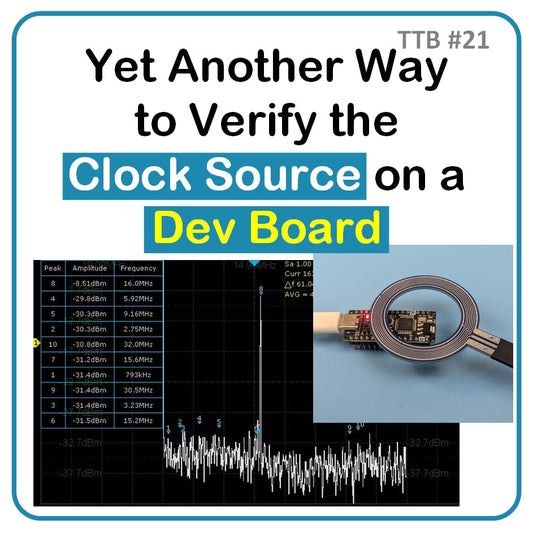
TTB #21: [Guest Post] Yet Another Way to Verify the Clock Source on a Dev Board
Determining the clock source on a microcontroller development board is essential for debugging and validation. Traditional methods like reading crystal markings or setting fuses can be risky or unreliable. In this tutorial, we demonstrate a safer, faster approach using an oscilloscope with FFT capability and near-field sniffer probes. By probing the Nano Flip’s external crystal, the FFT reveals a clear 16 MHz peak, confirming the clock frequency without altering fuses. Beyond verification, these probes are valuable for EMI troubleshooting and pre-compliance testing, helping engineers quickly identify noise sources before formal FCC or ISED certification testing.
TTB #21: [Guest Post] Yet Another Way to Verify the Clock Source on a Dev Board
Determining the clock source on a microcontroller development board is essential for debugging and validation. Traditional methods like reading crystal markings or setting fuses can be risky or unreliable. In this tutorial, we demonstrate a safer, faster approach using an oscilloscope with FFT capability and near-field sniffer probes. By probing the Nano Flip’s external crystal, the FFT reveals a clear 16 MHz peak, confirming the clock frequency without altering fuses. Beyond verification, these probes are valuable for EMI troubleshooting and pre-compliance testing, helping engineers quickly identify noise sources before formal FCC or ISED certification testing.

TTB #20: Thermal Response of Microcontrollers During Deep Sleep and Active Modes
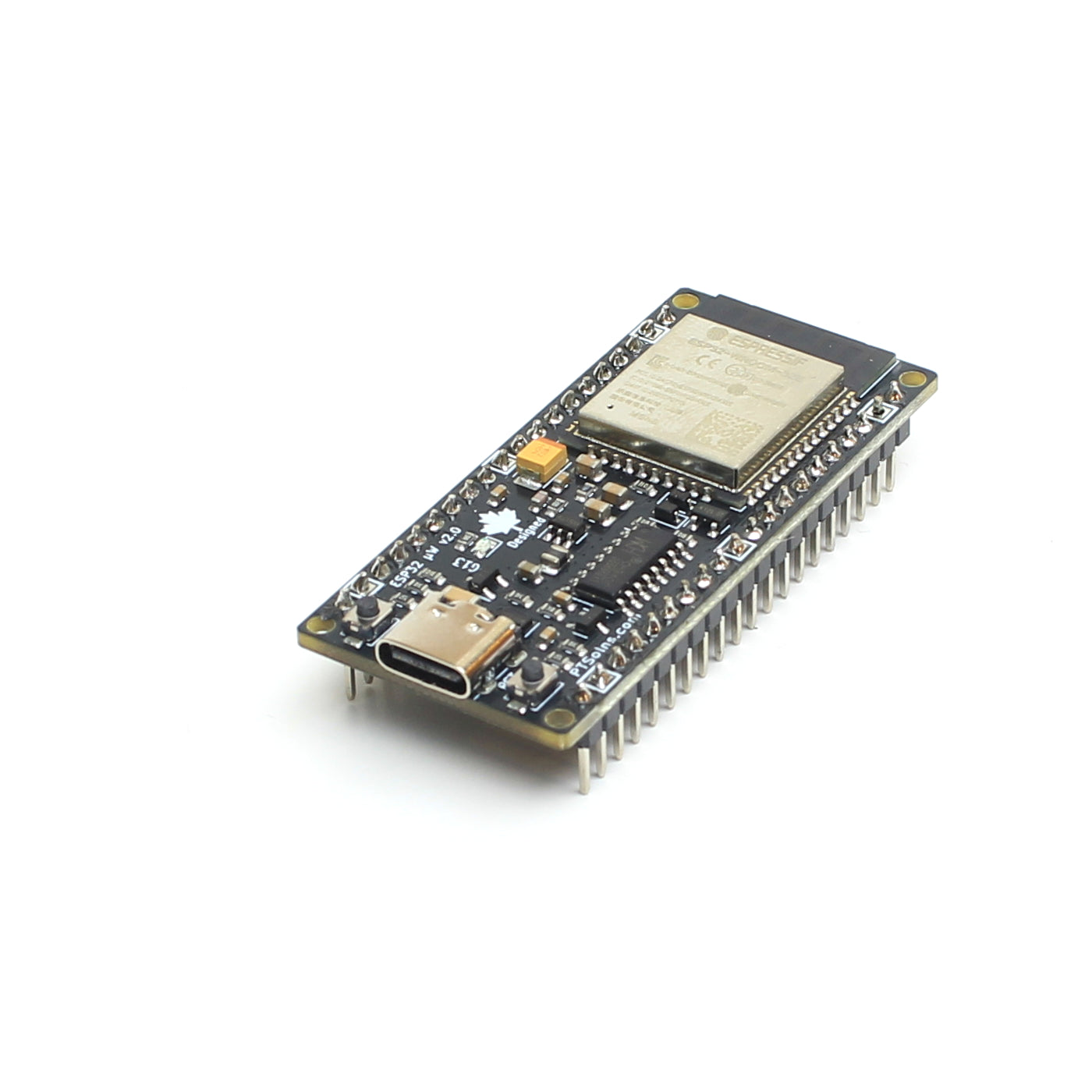
Deep sleep is essential for battery-powered microcontroller applications, but what does it really look like in practice? Using a thermal camera, we compared the PTSolns Nano Flip (ATmega328P) and the ESP32 microWatt to visualize their thermal behavior in both deep sleep and active modes. The results show clear differences in power efficiency and thermal response, with the ESP32 microWatt’s design proving ideal for low-power, battery-driven projects. Along the way, we also uncovered how onboard components like the CH340 influence power draw and even how shiny surfaces can mislead thermal imaging. Read on to see the full findings.
TTB #20: Thermal Response of Microcontrollers During Deep Sleep and Active Modes
Deep sleep is essential for battery-powered microcontroller applications, but what does it really look like in practice? Using a thermal camera, we compared the PTSolns Nano Flip (ATmega328P) and the ESP32 microWatt to visualize their thermal behavior in both deep sleep and active modes. The results show clear differences in power efficiency and thermal response, with the ESP32 microWatt’s design proving ideal for low-power, battery-driven projects. Along the way, we also uncovered how onboard components like the CH340 influence power draw and even how shiny surfaces can mislead thermal imaging. Read on to see the full findings.