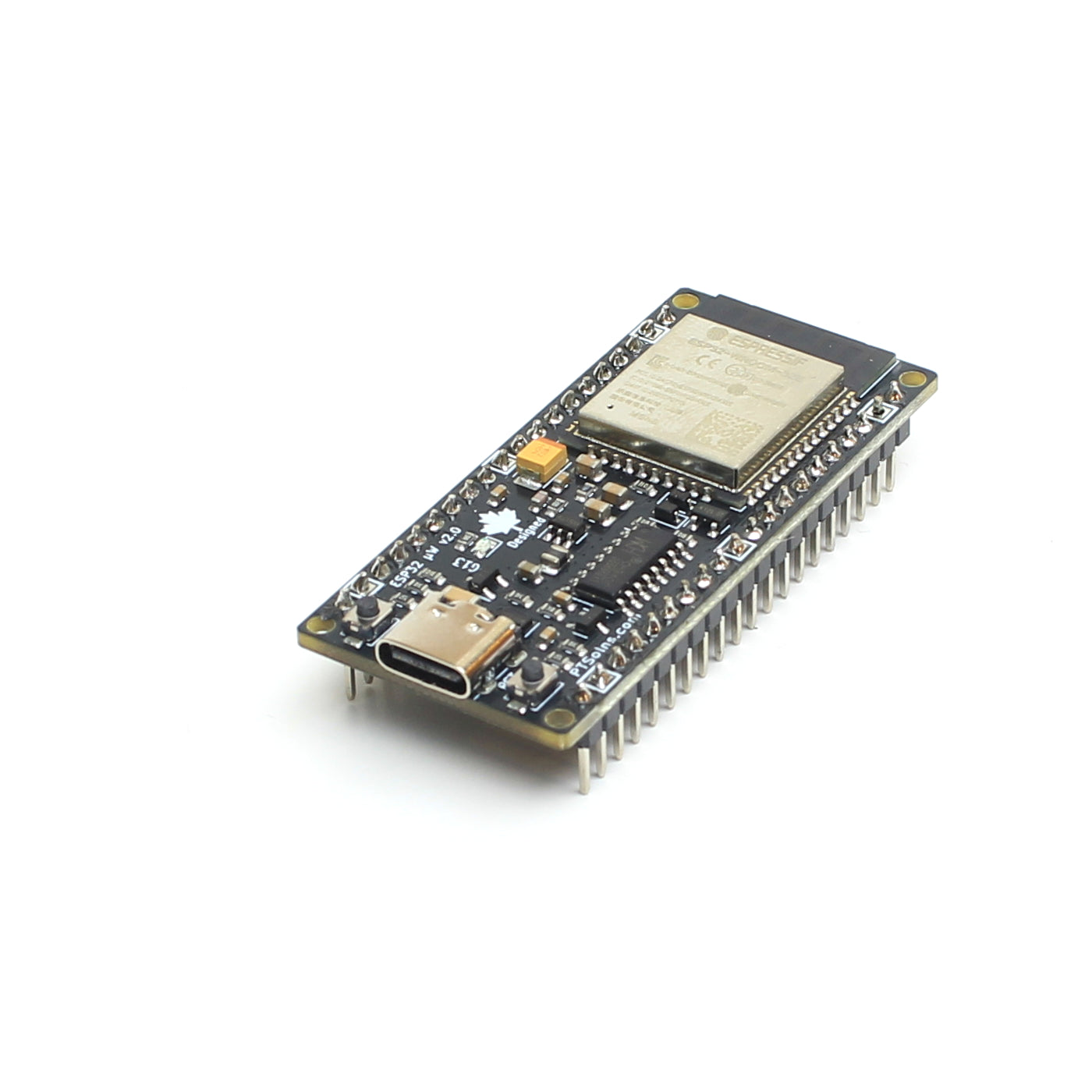

CH340 Driver
CH340 Driver
Many microcontroller development boards depend on the CH340 USB to serial interface for reliable programming and serial communication. Without the CH340 driver installed, the board may not be detected correctly by the operating system.
In practical terms this means a development board with a CH340 IC onboard cannot be programmed using PTSolns IDE (or any other IDE for that matter) until the driver is installed. The installation process is simple, fast, and only needs to be performed once per computer.
This page outlines how to first check whether the driver is installed, which version of the driver is installed and how to install the driver if it is missing or the wrong version is installed.
Upload Sketch Failed - Missing CH340 Driver
When trying to upload a sketch to a microcontroller development board and seeing the following output message it could mean the CH340 driver is missing. There are other reasons the message may appear, but this is the most common reason, and it is suggested the user first investigates if the CH340 driver is installed.
avrdude: ser_open(): can't open device "\\.\COM3": The system cannot find the file specified.
Note that the "COM3" might show differently.
If this infamous error appears, either check that the CH340 driver is installed, or just try to install it anyways right from within PTSolns IDE. Both steps are outlined below.
NOTE: The second most common reason this error messages appears is a USB cable is used that is only a power cable but cannot transfer data. Not all USB cables are the same! Ensure that the USB cable is data transfer capable.
How to Tell CH340 Driver is Installed - Windows
Before proceeding, please ensure a USB cable that is data transfer capable is being used. Many USB cables can only power a device, but cannot be used to program a development board (transfer data).
Plug in a microcontroller development board which has a CH340 IC onboard, such as
If trying this with a microcontroller developer board that does not have a CH340 onboard (such as the Leonardo) then the following will not work.
Open the Device Manager, and expand the "Ports (COM & LPT)".

If the CH340 driver is installed (and a board is plugged in that has a CH340 IC, and a data transfer capable USB cable is used), there should be a line reading something similar to "USB-SERIAL CH340 (COM3)". The "COM3" might be different, but what is important is that it says "CH340".
If the development board is unplugged, the Device Manager refreshes and the line with the "CH340" should be gone.
How to Tell CH340 Driver is Installed - macOS
Coming soon
How to Tell CH340 Driver is Installed - Linux
Linux natively supports the CH340 driver, which is included in the Linux kernel. Nothing to check, nothing to do.
Supported out of the box on:
- Ubuntu
- Debian
- Fedora
- Arch
- Mint
- Most other mainstream distros
Installing the CH340 Driver from within PTSolns IDE for Windows
This section shows how to install the CH340 Driver from within PTSolns IDE.
Note that even if a version of the CH340 driver is already installed, reinstalling it is safe and will simply replace the existing driver with the recommended version.
To being, open "Tools" and select "Install CH340 Driver".

Upon pressing "Install CH340 Driver" a separate install window opens. Press "Next".

Press "Install" to start the installation. This should only take a few seconds.

The CH340 is now installed. Close the installation window by pressing "Finish".

Downloading the CH340 Driver Manually
Although the CH340 Driver can be installed internally from within PTSolns IDE, it is possible to install the driver manually. To do so the Windows and macOS versions of the driver can be downloaded manually from the below buttons.
Terms of Service
By downloading or using the software available on this page, you acknowledge and accept the following terms.
The PTSolns IDE is provided “as is” without any express or implied guarantees regarding its performance, functionality, or suitability for a specific purpose. Pylon Technology Solutions Ltd. makes no warranties of any kind, including but not limited to implied warranties of merchantability, fitness for a particular purpose, or non-infringement.
We assume no responsibility or liability for any direct, indirect, incidental, consequential, or special damages that may arise from the use or inability to use this software — including, without limitation, loss of revenue, data, or business opportunities — even if we have been advised of the possibility of such damages.